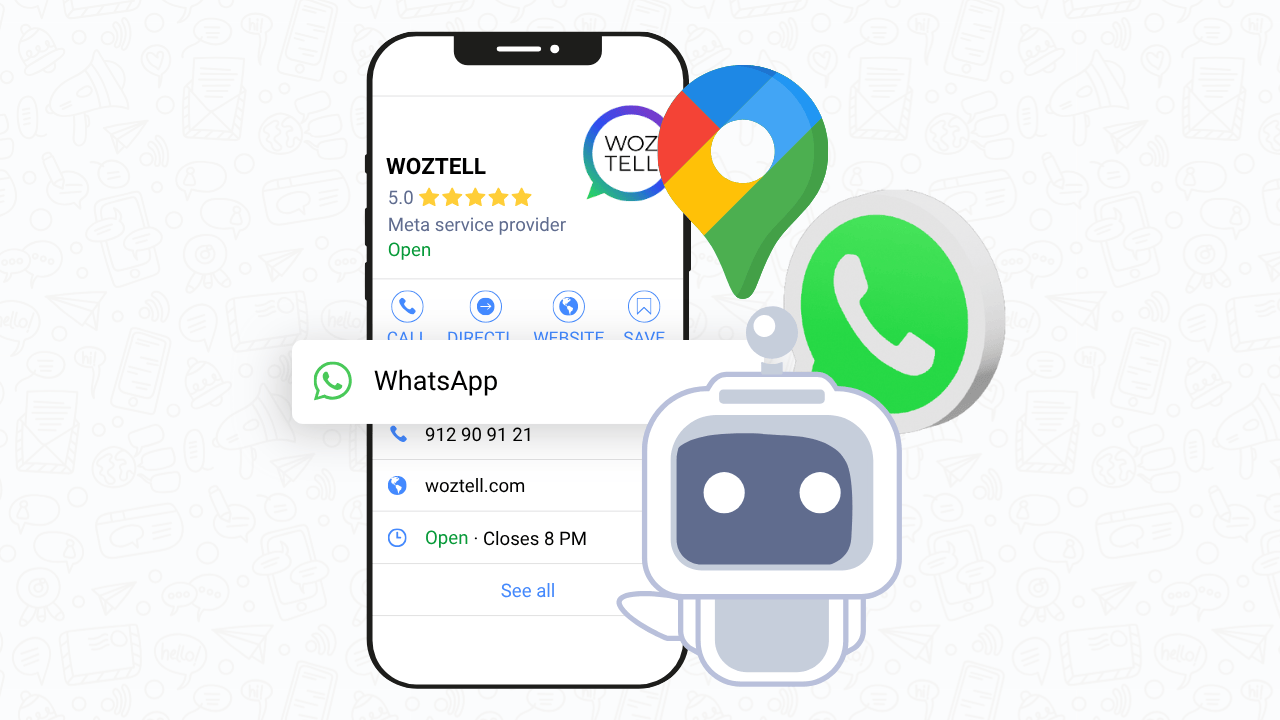
Boost Local Engagement: Add WhatsApp to Your Google Business Profile

If you manage a local business, you probably know how crucial it is to make it easy for customers to reach you. And now, Google just made that even simpler.
A Game-Changing Feature for Local Businesses
Since January 2025, Google Business Profile users in France can now connect WhatsApp directly to their business listing — a feature that had previously rolled out in the U.S. This small but powerful update could make a big difference for customer engagement and conversions.
The more you simplify communication, the more you increase your chances of conversion.
Instead of filling out forms or making calls, potential customers can now contact you instantly through WhatsApp — with a single tap.
Why WhatsApp Integration Matters
Let’s be honest: people don’t like waiting.
With over 2 billion users worldwide, WhatsApp has become a natural part of how customers communicate daily. By adding it to your Google Business Profile, you offer them an easy, familiar, and secure way to get in touch.
This approach feels personal, immediate, and trustworthy — three essential factors that turn inquiries into real customers.
How to Add WhatsApp to Your Google Business Profile
Here’s how you can activate this feature in minutes:
- Go to your Google Business Profile dashboard.
- Click “Edit Profile” → “Contact”.
- Find the “Chat” section and click “Add”.
- Select WhatsApp.

5. Enter your business number in international format (example: https://wa.me/33XXXXXXXXX).

6. Save and test your chat!
Pro Tips to Optimize Your WhatsApp Chat
Adding WhatsApp is good — but optimizing it is even better.
Here’s how to make it a real conversion booster:
- Create a welcome message that feels warm and engaging.
- Respond quickly — speed builds trust and increases your conversion rate.
- Automate smartly using AI tools to answer common questions (hours, product details, delivery tracking, etc.).
- Use a business number rather than a personal one to stay professional and protect your privacy.
At DareToCloud, we often remind clients that digital visibility is not only about SEO, it’s also about how you interact with your visitors. Features like WhatsApp chat perfectly complement your local SEO and online reputation strategies.
Integrate WhatsApp With Your Broader WebOps Strategy
This update is part of a growing trend toward real-time, multi-channel communication. If your website and Google Business Profile are aligned — fast, secure, and optimized — you’re already halfway to improving both user experience and your local rankings.
Our Website Maintenance Subscription Services ensure that all your tools (Google Business, website chat, analytics, etc.) stay synchronized and functional.
And with our SEO optimization packages, we help you appear where it matters most — when customers are ready to act.
Ready to Activate WhatsApp on Your Profile?
Don’t wait for your competitors to connect faster with local clients.
By adding WhatsApp, you give your customers what they want most — simplicity and speed.
If you’d like help integrating or optimizing your business profile for maximum visibility, DareToCloud can handle it as part of your ongoing SEO & WebOps subscription.
👉 Contact us to make your local presence stronger, smarter, and more connected.